Why some images look brighter than your screen
Previously published as "(Ab)use HDR images for marketing".
Does one of these images look brighter to you? If not, try opening this on a recent iPhone (with battery saving disabled), a recent Pixel, or a recent Mac. Chrome / Safari are preferred. You can still continue to read, but sadly won't see the effect discussed here.

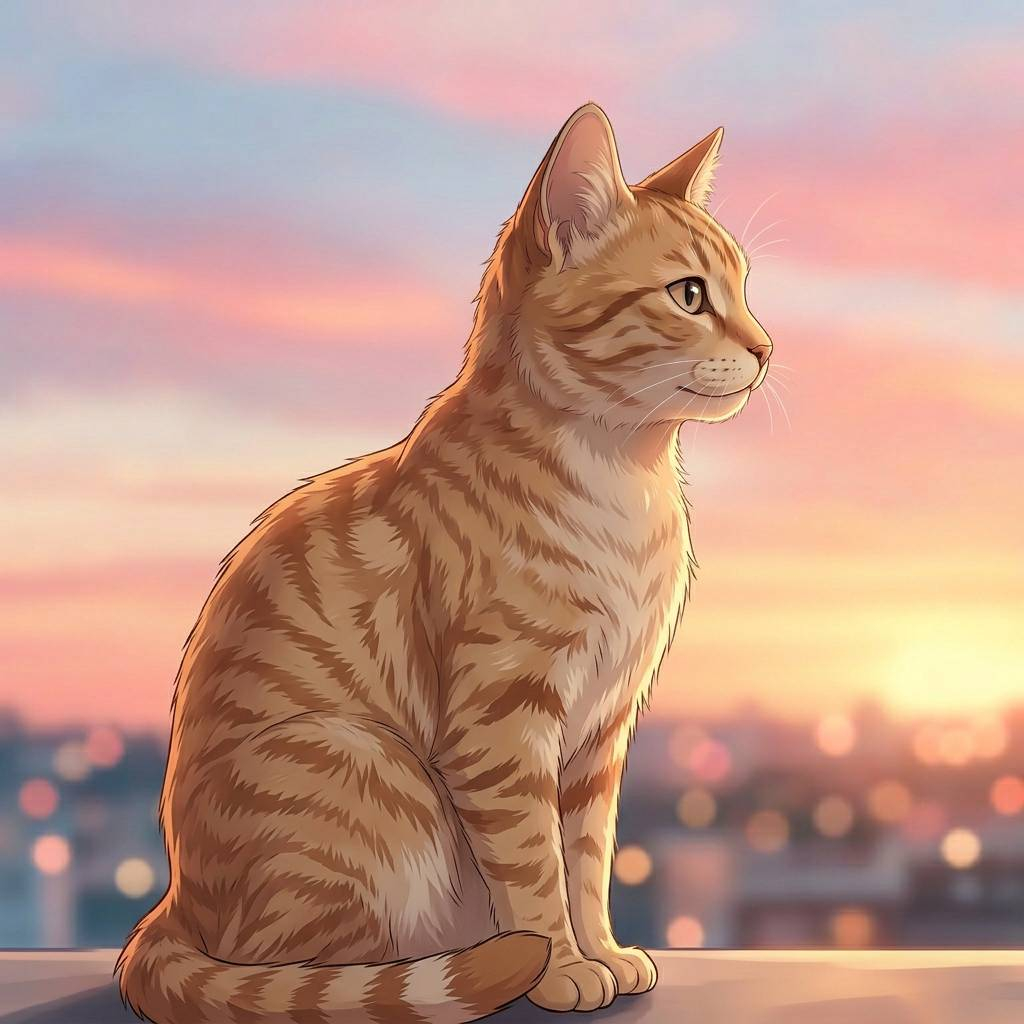
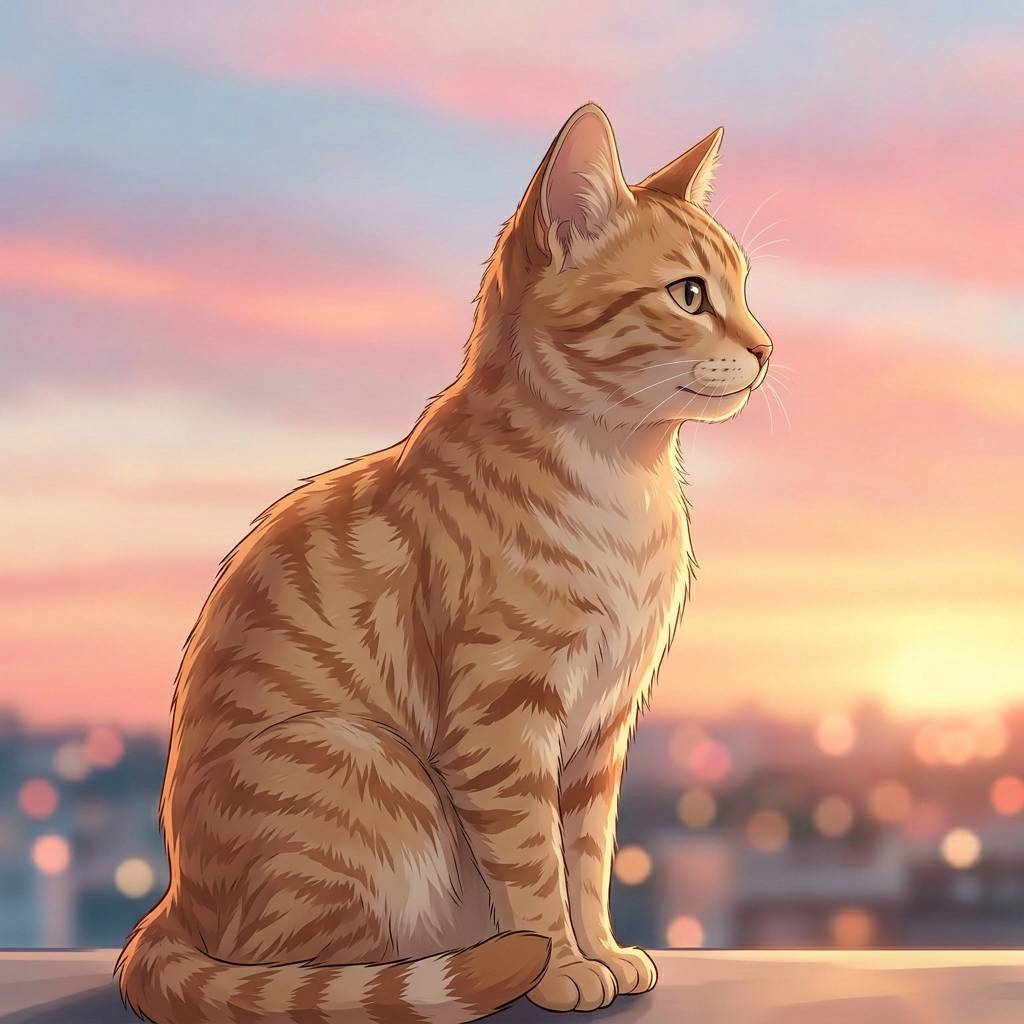
I was browsing LinkedIn to get my daily dose of motivational quotes and stumbled upon a promotion that instantly caught my attention, not because of its content, but because the white of the logo was brighter than anything else on my screen. I had never seen something like this and tried to screenshot it, to no avail, the effect was not captured . What was going on? Am I tripping? I won't link to the exact page I saw, but I created my own page with an extra bright picture. If your device passed the previous HDR image check, the company's logo should be abnormally bright. Works especially well on a recent MacBook Pro.
So what's going on? The image is an HDR image. This is not to be confused with the classic HDR tone mapping where, for example, you took three photos with different exposures, merged them, and created some artistically valuable or horrifying image. The HDR here refers to newer display technology that can show a much wider range of brightness than a normal SDR image. On supported screens, that means selected highlights can become physically brighter instead of just being mapped to the brightest SDR white.
To properly see HDR images, you first and foremost need a display that has this capability, and then a software stack that can use it. My iPhone with Safari checked both of these boxes, enabling me to see this.
So while this technology is really cool and useful for games, videos, and looking at your own images, this use is firmly in abusive territory. I don't think it will take long until the major sites disable this behavior for images uploaded to their pages, or try to monetize it. But until then, let's have some fun and use the effect for ourselves.
Read on if you are curious how it works. Otherwise, you can jump straight to extrabrightimages.com to create your own extra-bright images. It's completely client-side!
For this project, I ended up with two practical ways to create an HDR image. One is a new format called "Ultra HDR", the other is using an HDR color profile. Let's see how they work:
Ultra HDR
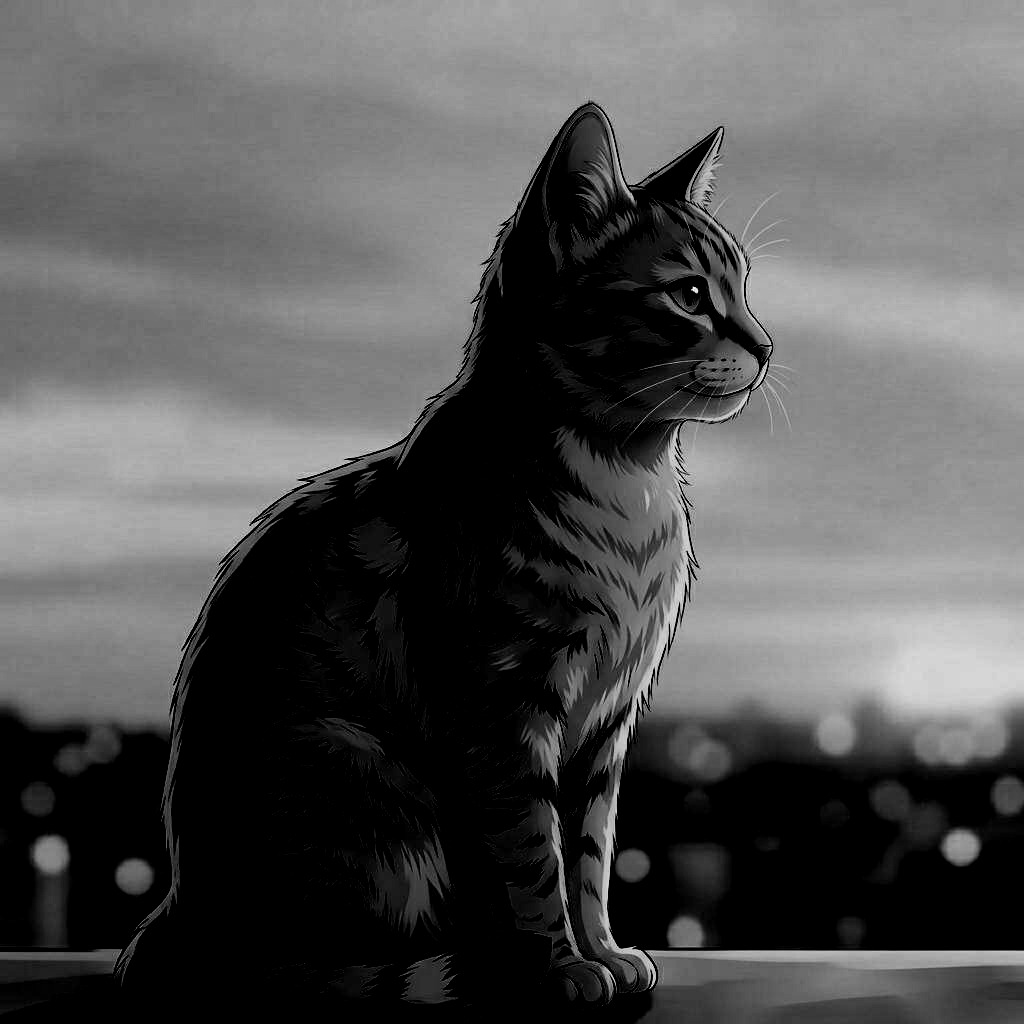
An Ultra HDR image is an extension of the JPEG file format. You can think of it like this:
max-content-boost: 15x
min-content-boost: 0.9x
gamma: 1
hdr-capacity-max: 15x
- The original JPG
- A gain JPG, which is a black and white image (mask) that says which parts should be made brighter / darker. White will make something bright, black darker, and gray won't change anything.
- Metadata that says how strong the effect should be. For example, if a spot is white in the gain map, how bright should it be shown? If you set this value to the brightness of the literal sun, you might be disappointed about the actual brightness. Your display has a technical upper limit on how bright it can get. The important unit here is "nits". The more nits your display has, the brighter it can get. But this means there is no real max value here, future displays will get brighter and brighter and you cannot fully control how an HDR image will look. Depending on the display's brightness, it will differ.
It's pretty neat because it is backwards-compatible, and you can control how the image should look on non-HDR displays. Here is a widget to create your own Ultra HDR images:
The actual heavy lifting is done by libraries that turn this source data into the final images. I used https://github.com/kleisauke/wasm-vips, which worked great and uses https://github.com/google/libultrahdr itself for this.
But this is actually not what I used for the LinkedIn image, because in my tests LinkedIn did not preserve the HDR effect of Ultra HDR images. Which is a shame, because they are so much simpler to create, backwards-compatible, and offer complete freedom over the final look. Instagram however only works with this format, but only for posts and only as long as you don't do any modifications in Instagram to the image (e.g. text overlays).
HDR color profile
The other way I used for this project is to use an HDR color profile. Of the HDR profiles I tested, Rec.2100 PQ was the only one I found to be consistently supported. The PQ part is what makes this into an HDR image. The bigger color space or 10-12-bit colors just make it look better. You can even store HDR signaling in an 8-bit JPEG, although quality is limited. With only 256 values per channel, smooth gradients can break down more easily, so this works best for simple graphics such as black-and-white logos. The only difficulty is correctly mapping an existing image into the new color space. Thankfully I found a project by shigedangao on GitHub that does exactly this and it worked perfectly: https://github.com/shigedangao/lymui.
profile: Rec.2100
transfer: PQ
primaries: Rec.2020
So here is the same applet for this approach. You will notice that it is not as backwards-compatible, but unlike Ultra HDR it is more likely to work in custom image uploads, like company logos on LinkedIn and other sites.
That is all, have fun with your extra bright images. If you want to read more about HDR images, highly recommend the website of Greg Benz.